01 / MAKE IT PERSONALA review request
A review request
that sounds like you.
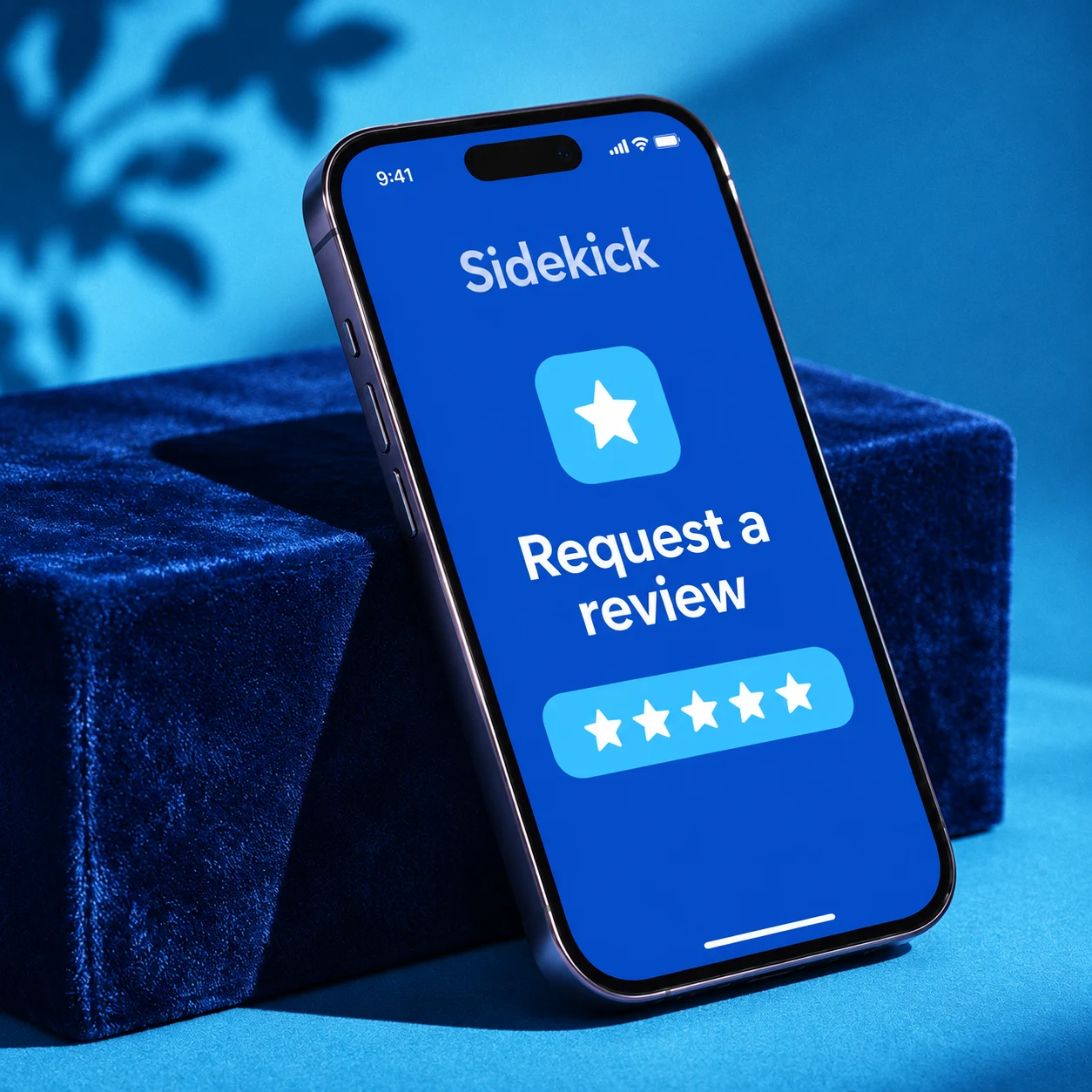
Choose your customer, add a detail from the visit, and ask for a review from your iPhone. A little personal touch goes a long way.
A simple way to ask your customers for a review.
We set up your app. You make the connection.
✓ Choose your customer
✓ Add a personal touch
✓ Send your request
GOOD SERVICE. A SIMPLE ASK.
Choose your customer, add a detail from the visit, and ask for a review from your iPhone. A little personal touch goes a long way.
 Your business
It was a pleasure helping you today.
No complicated process for your team to learn. Keep the customer’s details and your review request together, so asking feels like part of the visit.
WE TAKE CARE OF GETTING YOU STARTED
Fill in a short form with your contact and company details. That’s all you need to do to start.
Your business.We use those details to prepare your business’s Sidekick review app. No technical setup for you to figure out.
Get Sidekick Connect on your iPhone, use your activation details, and start asking customers for reviews.
The app is free. Your setup and device activation happen separately.
A FEW QUICK ANSWERS
Yes. We’re offering the Sidekick review app for free. Fill in your business details to get started.
No. We handle preparing your app from the information you provide. You’ll use the iPhone app once your setup and device activation are ready.
Your name, phone number, email address, company name and business address. We use this information to set up your business’s app, not to sign you up for marketing.
You can download Sidekick Connect right away. Your business setup and device activation need to be completed before you start using it.
Sidekick Connect is available for iPhone and requires iOS 16 or later.